QR Code Ordering System for Restaurants
A QR code ordering system lets restaurant customers scan a code at their table to instantly view the digital menu and place orders from their phone — no app download, no waiting for a waiter.
RestaurantOS generates unique, cryptographically signed QR codes for every table. Customers scan with any smartphone camera and get the full menu experience in their browser.
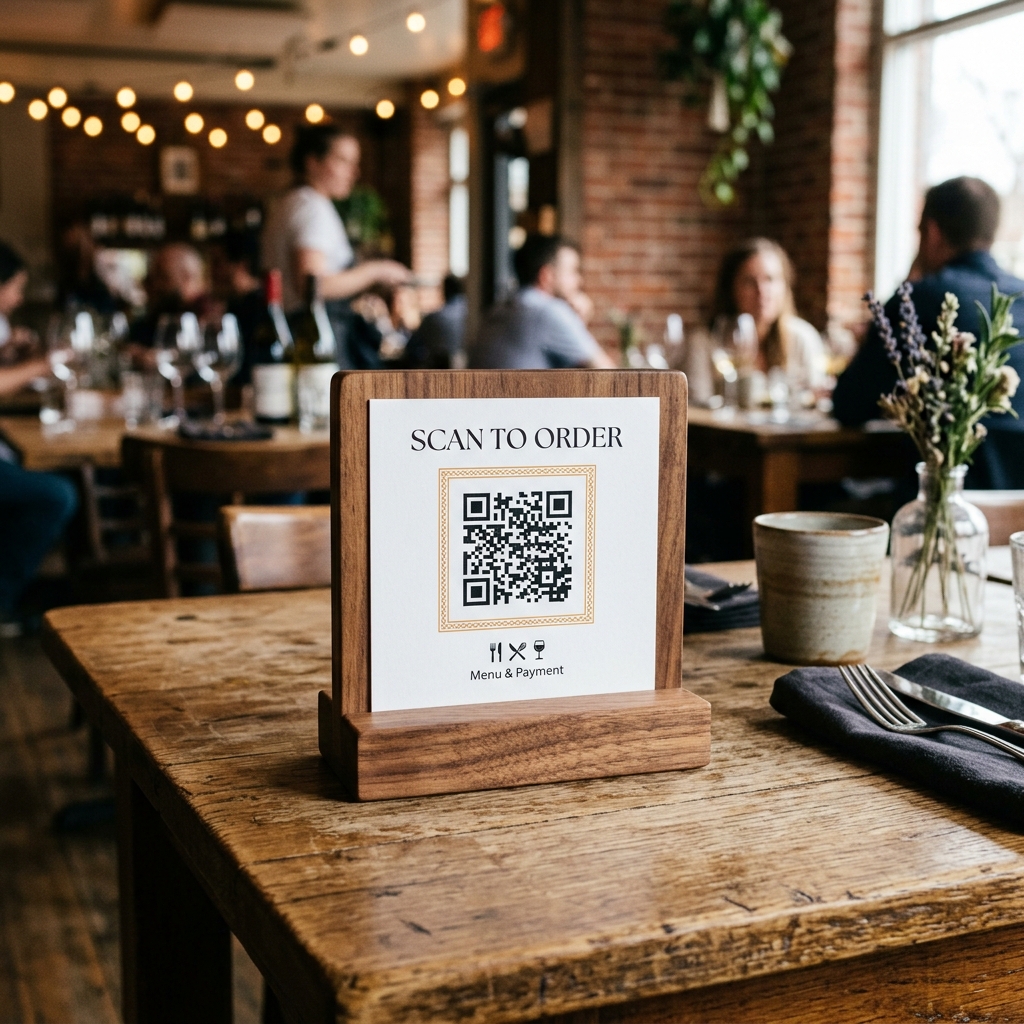
How Does QR Code Ordering Work?
QR code ordering eliminates the need for printed menus and manual order-taking. Here is how it works in RestaurantOS, step by step:
- Print and place QR codes — RestaurantOS generates a unique QR code for each table. Print and place them as table tents, stickers, or stands.
- Customer scans with phone camera — No app needed. Any standard smartphone camera or Google Lens opens the menu in the browser.
- Browse menu with photos and filters — Full digital menu with dish photos, descriptions, prices, and dietary tags (Veg/Non-Veg/Vegan).
- Add to cart and place order — Customer selects items, reviews cart with price and tax breakdown, and submits the order.
- Kitchen gets notified instantly — The order appears on the kitchen display system with an audio alert. No delay, no missed orders.
Why Use QR Ordering in Your Restaurant?
No App Download Required
Works in any standard mobile browser. Customers don't need to install anything — just scan and order.
Faster Table Turnover
Customers order immediately without waiting for a waiter. Reduced wait times mean more covers per shift.
Tamper-Proof Security
Each QR session token is cryptographically signed with AES-256-GCM. Sessions can't be spoofed or hijacked.
Unique QR Per Table
Every table gets its own encrypted QR code, linking orders to specific table sessions for accurate tracking.
Last updated: July 2026